Offline JSON Formatter App for Mac
Formatting API response payloads shouldn't involve pasting private data into browser tabs. Prettify, inspect, and copy JSON locally from your menu bar.
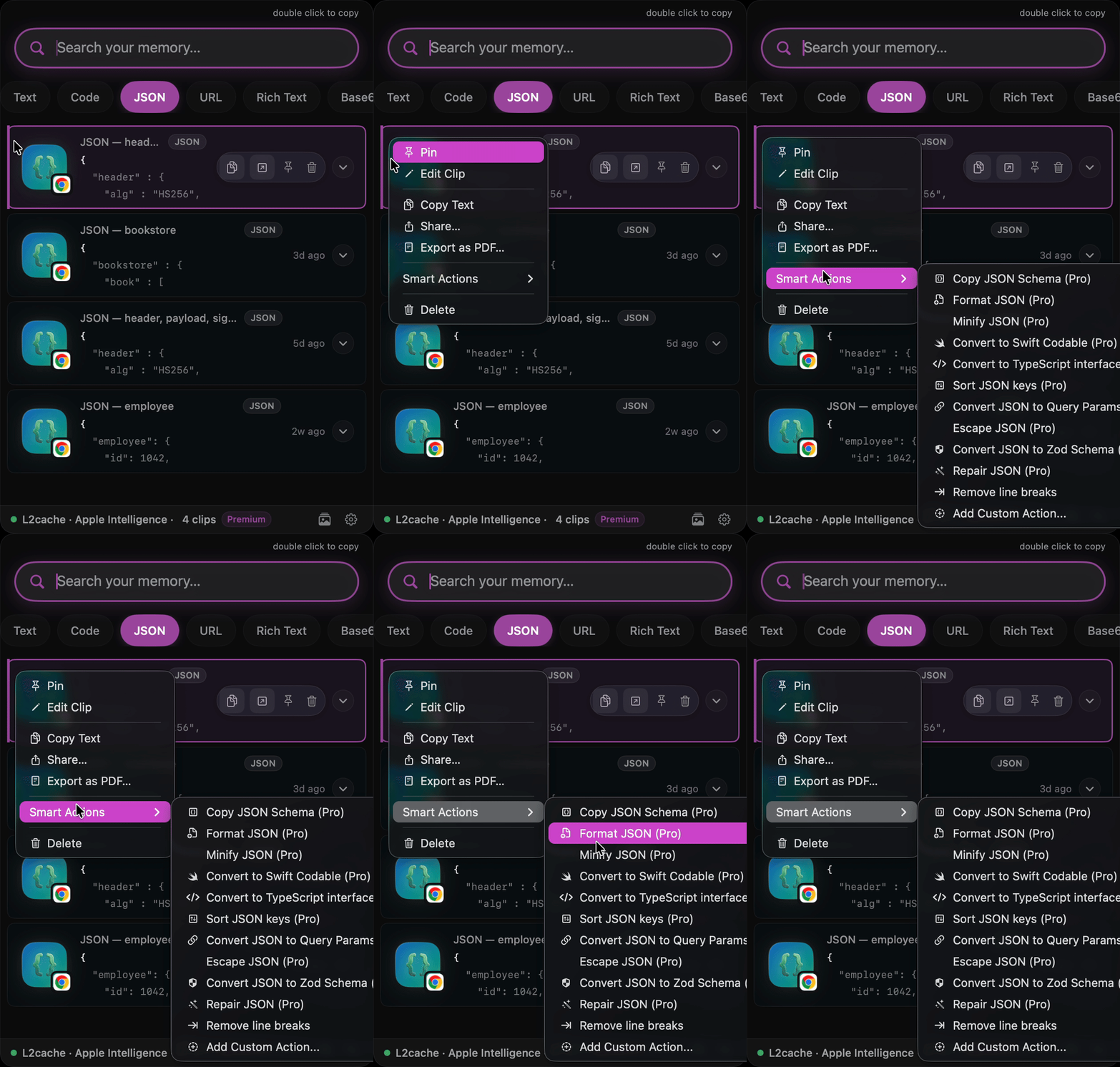
API responses, config files, database outputs — developers look at JSON all day. Often, this data is minified to save bandwidth, making it completely unreadable. The traditional workflow to format it is full of friction: copy, open a web page, paste, format, copy again, and go back to your IDE.
This workflow has two problems: it wastes time and it leaks proprietary data or user payloads to third-party web sites.
The Safety of Offline JSON Processing
When you use an online JSON validator or formatter, your data goes to an external server. L2Cache solves this by running JSON verification and formatting entirely within a native, offline sandboxed macOS process. Your JSON stays on your machine.
How It Works in L2Cache
L2Cache acts as a smart wrapper around your clipboard history. The moment you copy a JSON string, L2Cache's intelligence recognizes the structure. Instead of manually launching a terminal tool or website, you format it in place with a single click.
Key benefits:
- Zero Window-Switching: Format directly from L2Cache's menu bar popover.
- Strictly Local: No external API requests are made. Prettified in microseconds using high-performance native parsing.
- Auto-Validation: Quickly spot syntax issues or missing brackets before pasting.