0 bytes
of clip content
sent to any server
100ms
panel opens,
every time
Unlimited
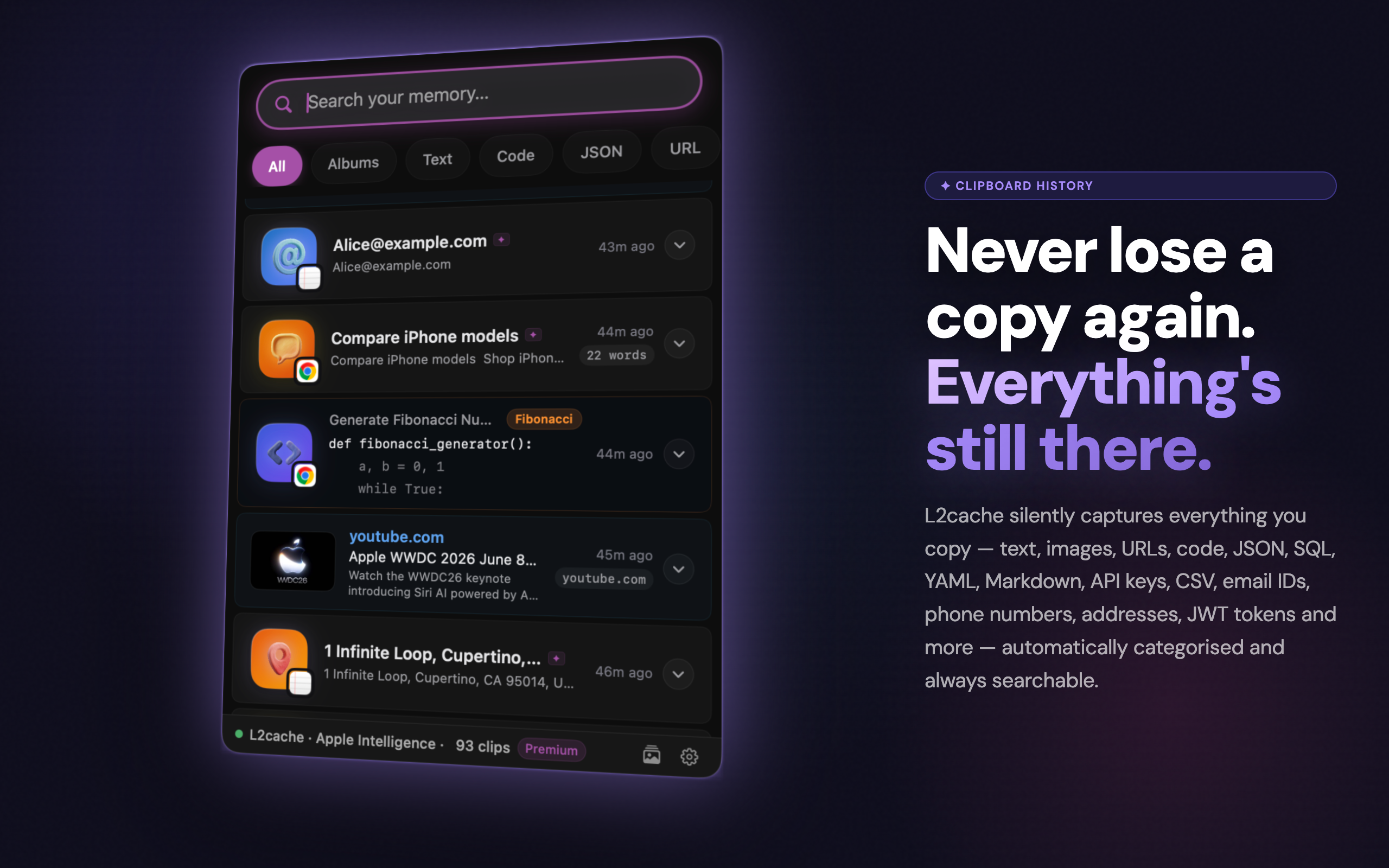
clipboard history
on your Mac
Free
for a limited time
get it now

Your clipboard
has a memory now

If you've ever lost something you copied, L2Cache was built for you.

Free for a limited time · No credit card · Search anything you've ever copied
Clipboard History — L2Cache Instant Search — L2Cache AI Titles — L2Cache Smart Transform — L2Cache Developer Tools — L2Cache Smart Albums — L2Cache Local AI — L2Cache Spotlight Search — L2Cache QR Code — L2Cache

Six moments every
Mac user knows

You don't have to be a power user. You just have to copy things.

"I copied a link, then opened a new tab and lost it."
It's still there. Your clipboard history goes back as far as you need it to.
"I wrote the perfect reply, then accidentally copied over it."
L2Cache captured it the moment you hit ⌘C. It's waiting for you.
"That snippet from this morning — where did it go?"
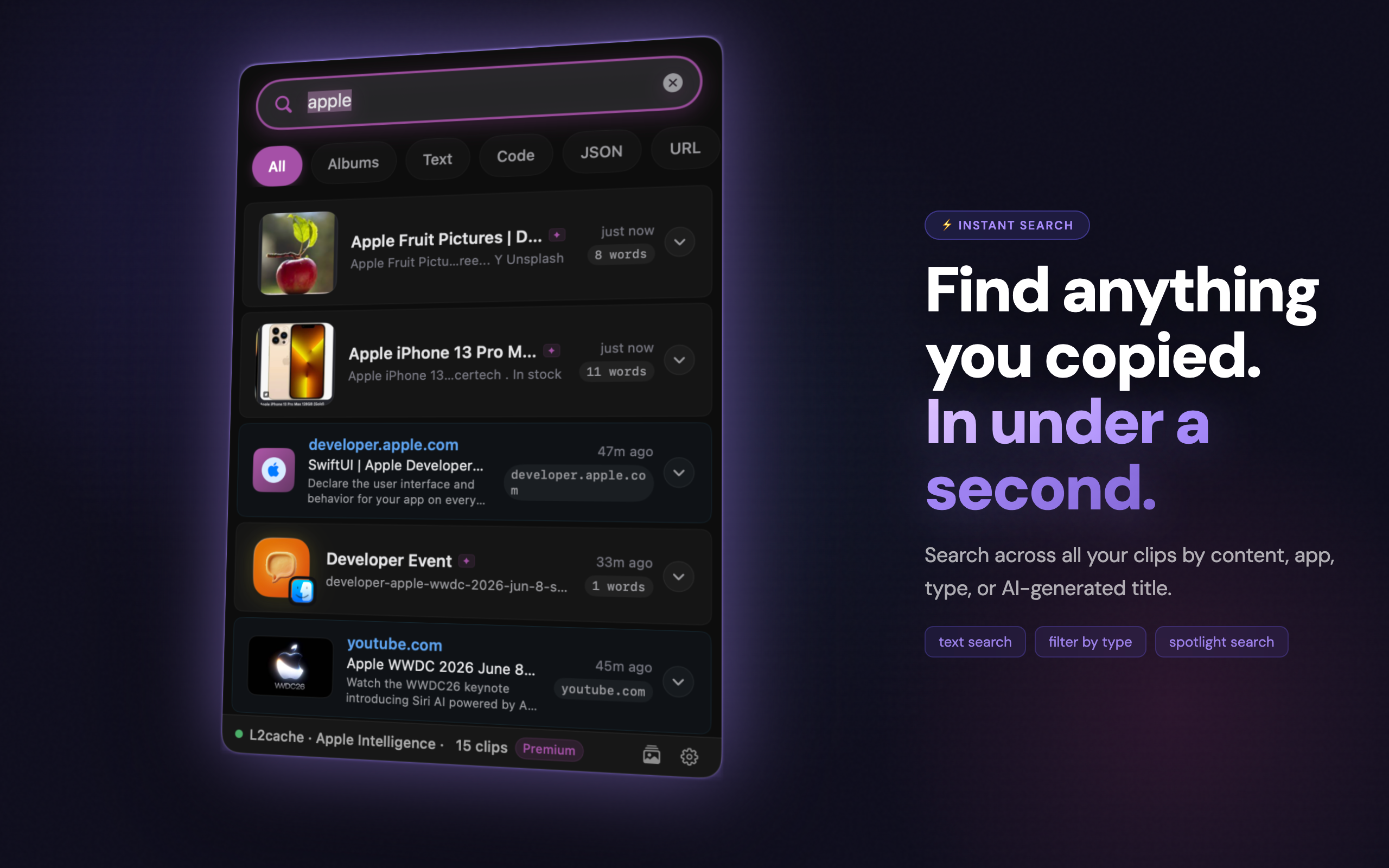
Search your entire clipboard history. Find anything in under a second.
"I copied a serial number from an email. Now I can't find the email."
Still in your history, right where you left it.
"I work across five apps all day, copying things constantly."
Every copy is saved automatically — text, images, URLs, code. All of it.
"I copied an image, then needed the text I had before."
Both are there. L2Cache keeps everything, not just the last thing you copied.

The notes you never
had to take

Every app on your Mac has a notes feature. L2Cache is the one that works for all of them at once — automatically.

Traditional notes
  • You have to remember to open a notes app
  • You manually type or paste what you want to keep
  • Different apps, different notebooks — no single place
  • Context disappears — just the text, no source app
  • Search only finds what you deliberately saved
L2Cache
  • Every copy is saved automatically — nothing to open
  • Text, code, links, images, addresses — all captured
  • One unified history across every app on your Mac
  • Knows which app each clip came from
  • AI-powered search finds anything, instantly

The clipboard
you always wanted

Every copy saved, understood, and ready when you need it.

🧠
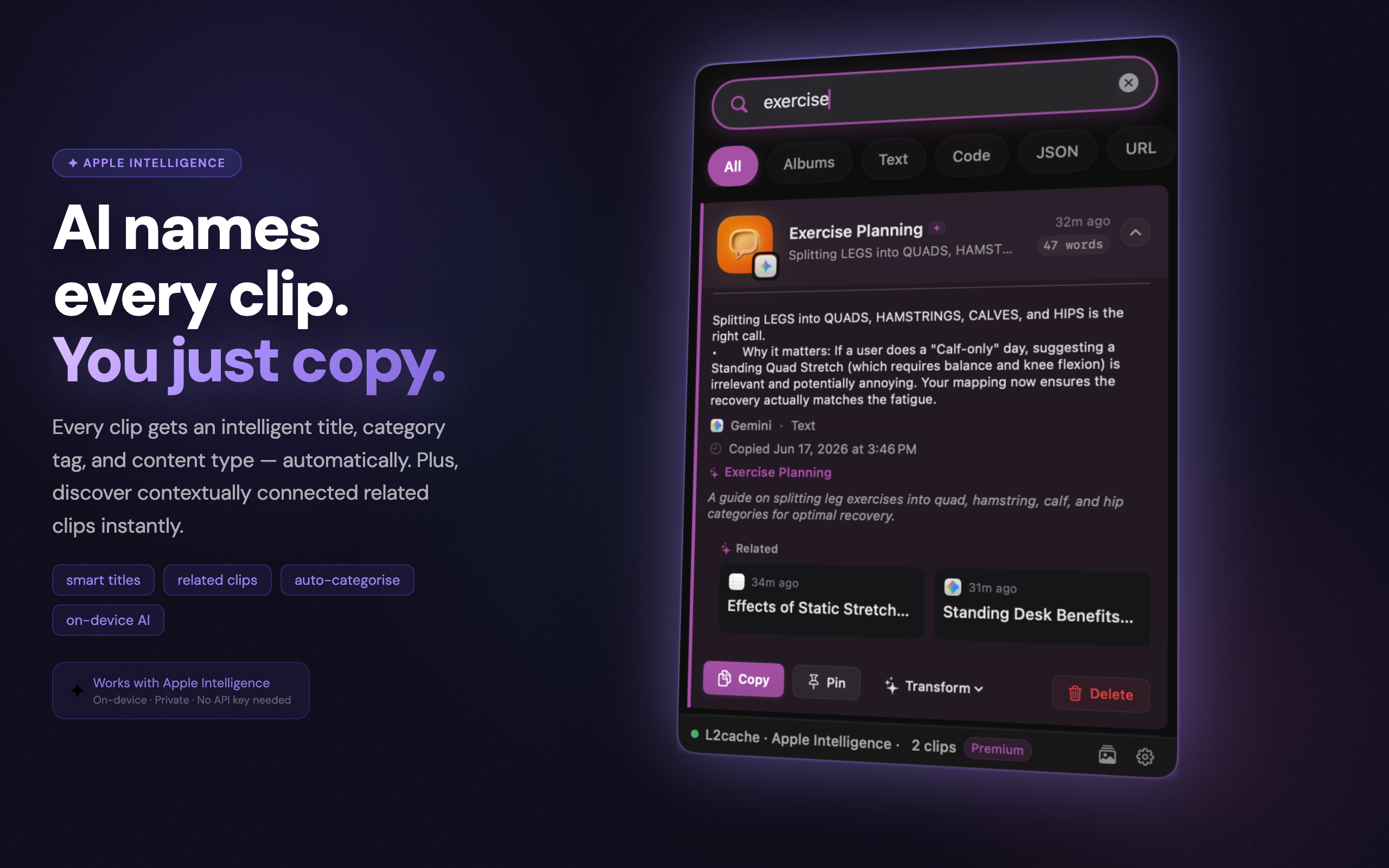
AI-generated titles
Code clips show what the code does, not what language it's in. "Authenticate user and store session in Keychain" — not "Swift function".Requires macOS 15.1+ and Apple Silicon. Falls back to plain-text titles on other Macs.
Smart Transform
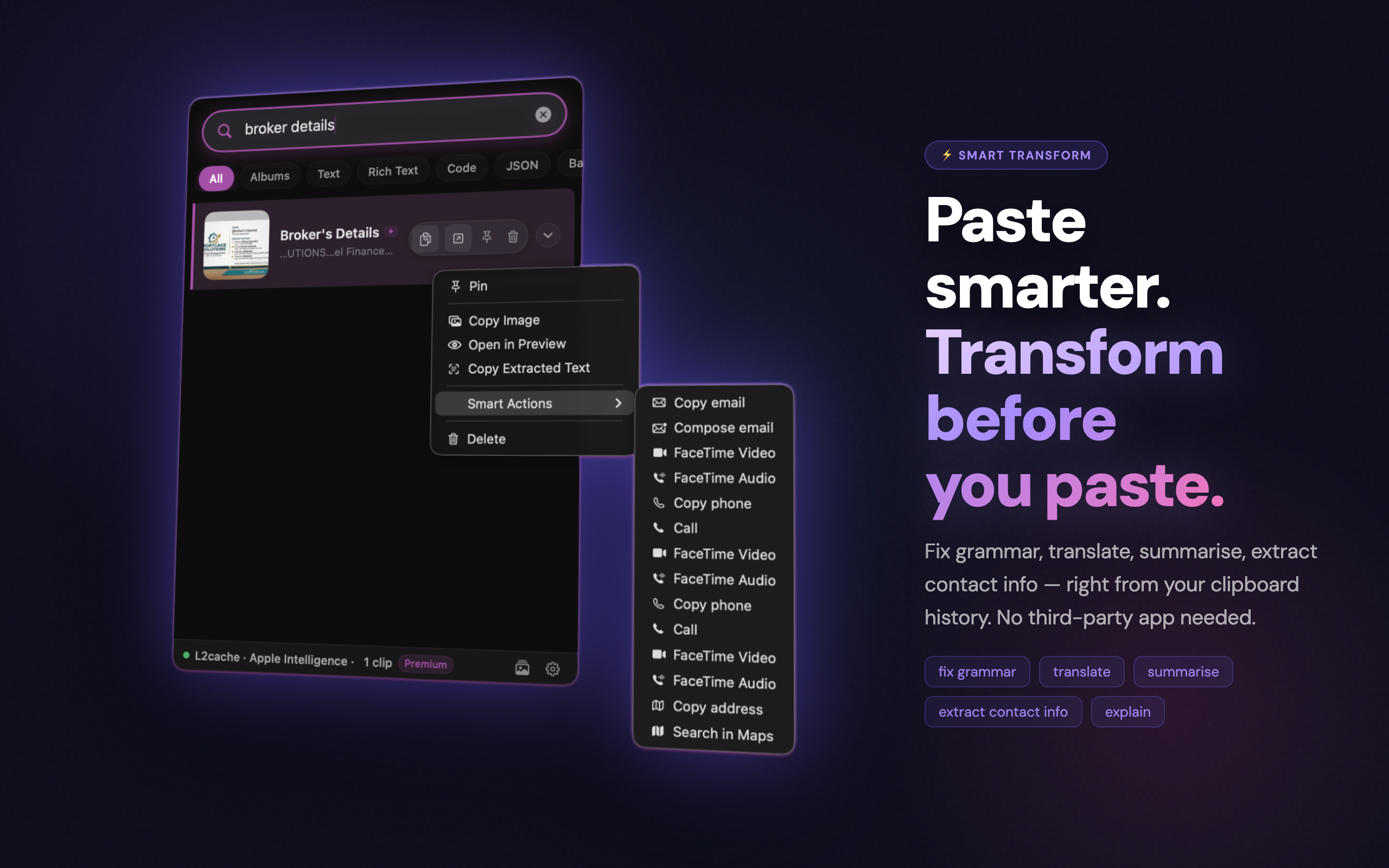
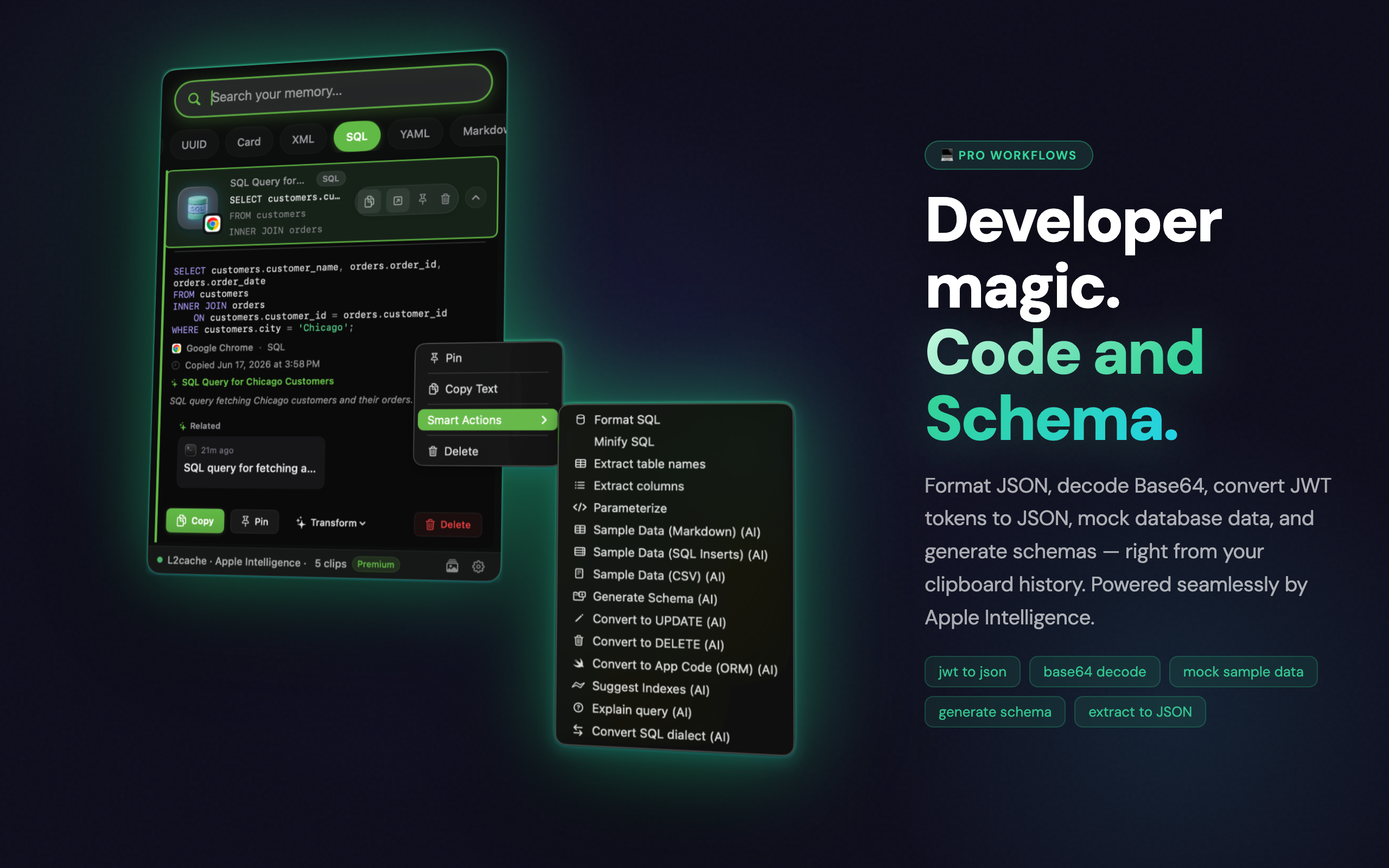
Copy smarter. Transform your clipboard as you copy — strip markdown fences, fix grammar, convert code, clean URLs, format JSON.AI-powered transforms require macOS 15.1+ and Apple Silicon. Local instant transforms work on any supported Mac.
🍎
Apple Intelligence
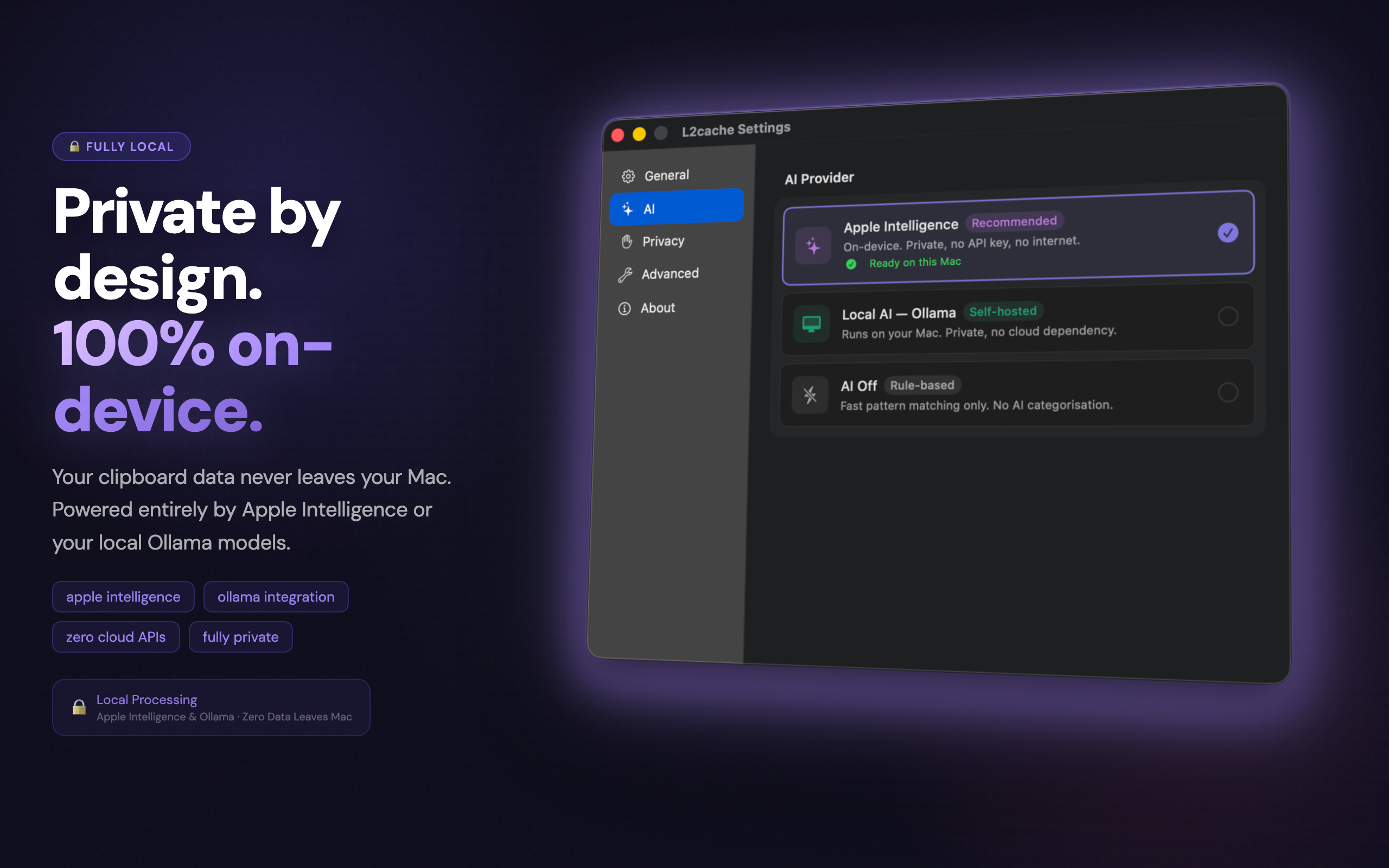
Runs on-device using Apple's foundation model. Private by default — your clipboard never leaves your Mac.Apple Intelligence requires macOS 15.1+ and Apple Silicon. Core clipboard features work on macOS 13+ regardless.
🔍
Search everything
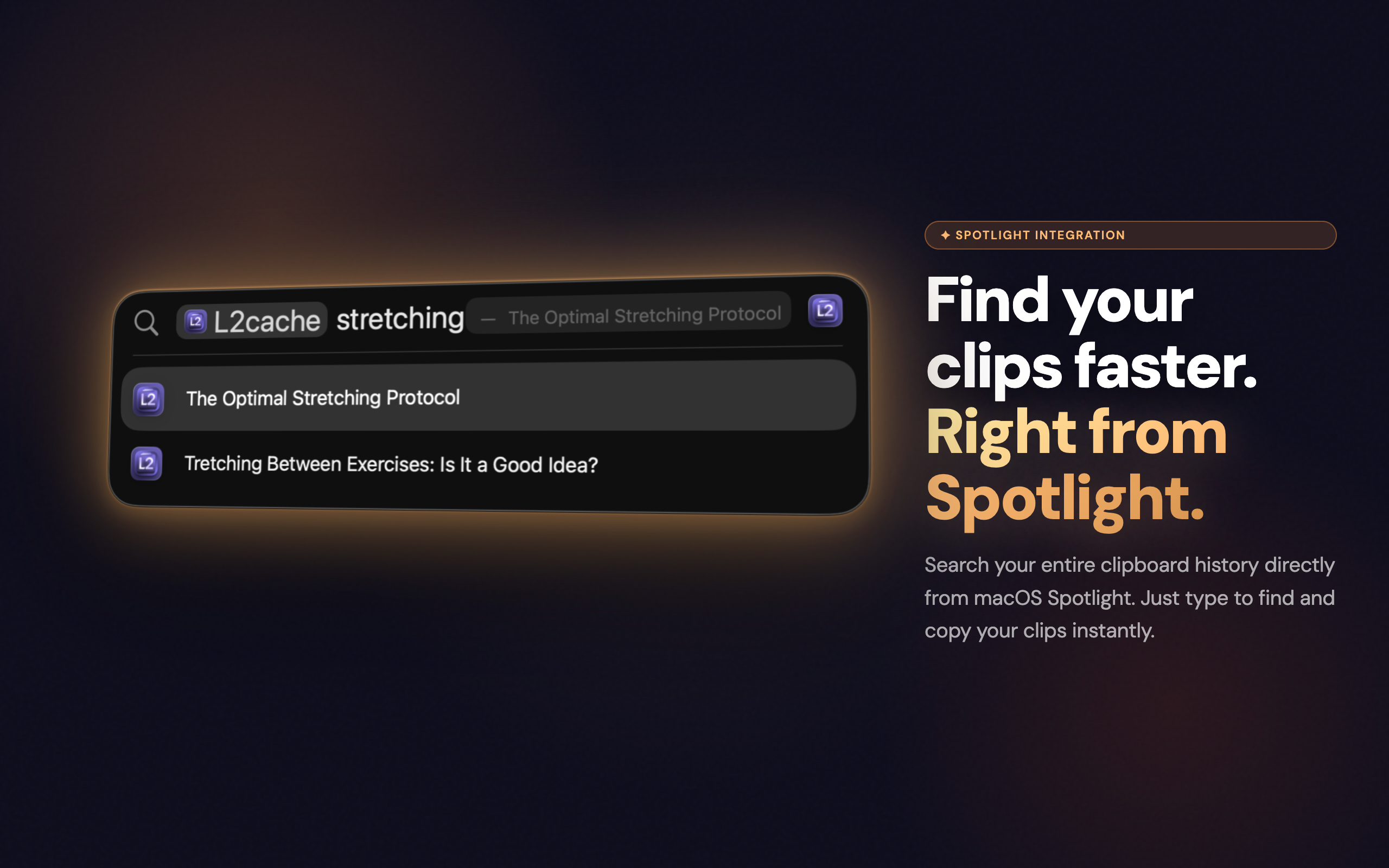
Full-text search across all clips. Screenshots are searchable by their text content via OCR. Find anything in under 100ms.
🛡
Sensitive radar
API keys, credit card numbers, private keys, SSNs, and WiFi credentials are automatically detected and stored as hidden. Content stays locked — unlock with Touch ID or your password to copy it.
🗂
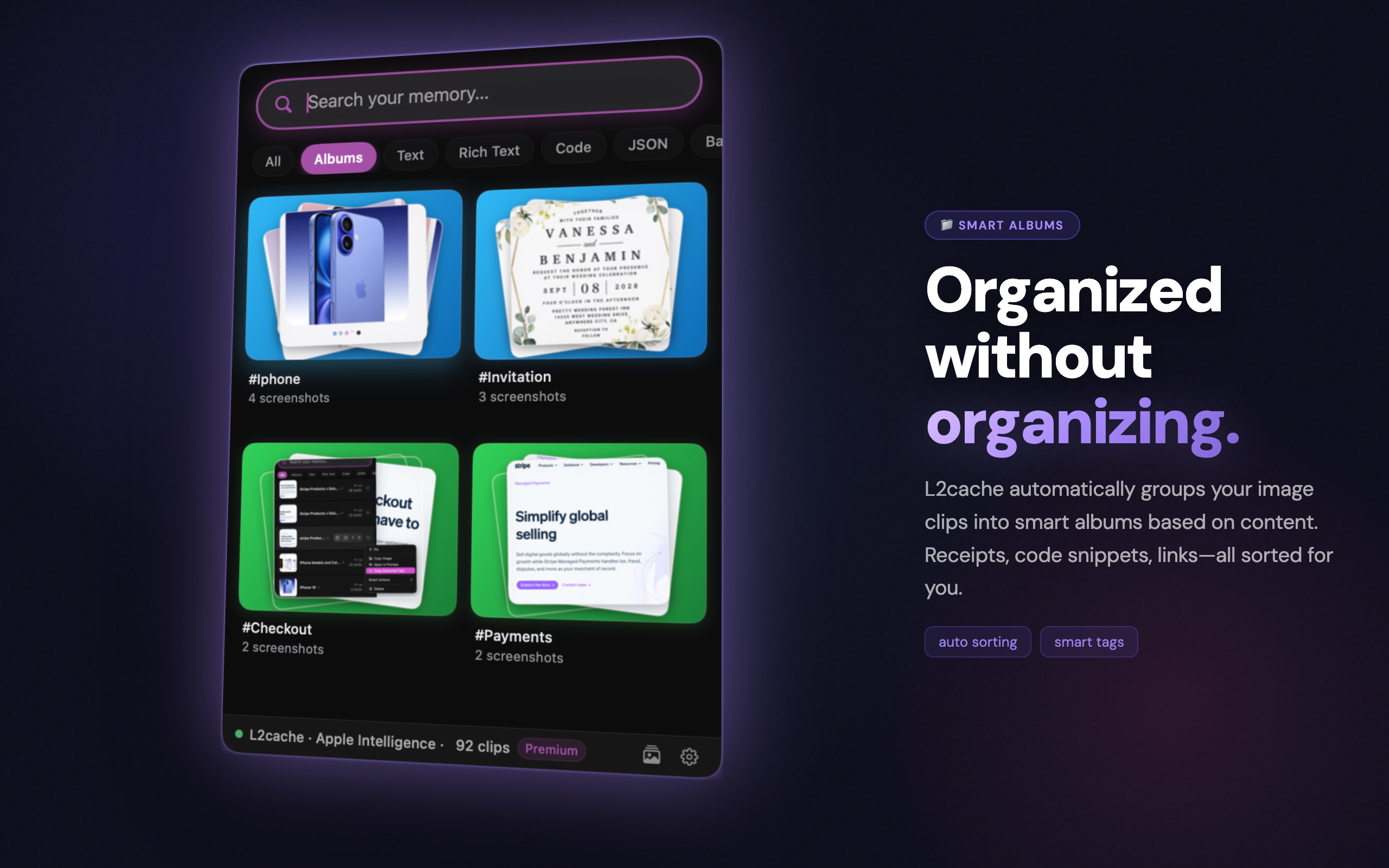
Smart albums
Clips are automatically grouped into albums by type and context — code, URLs, images, and more. Browse by album to find related clips instantly.
📱
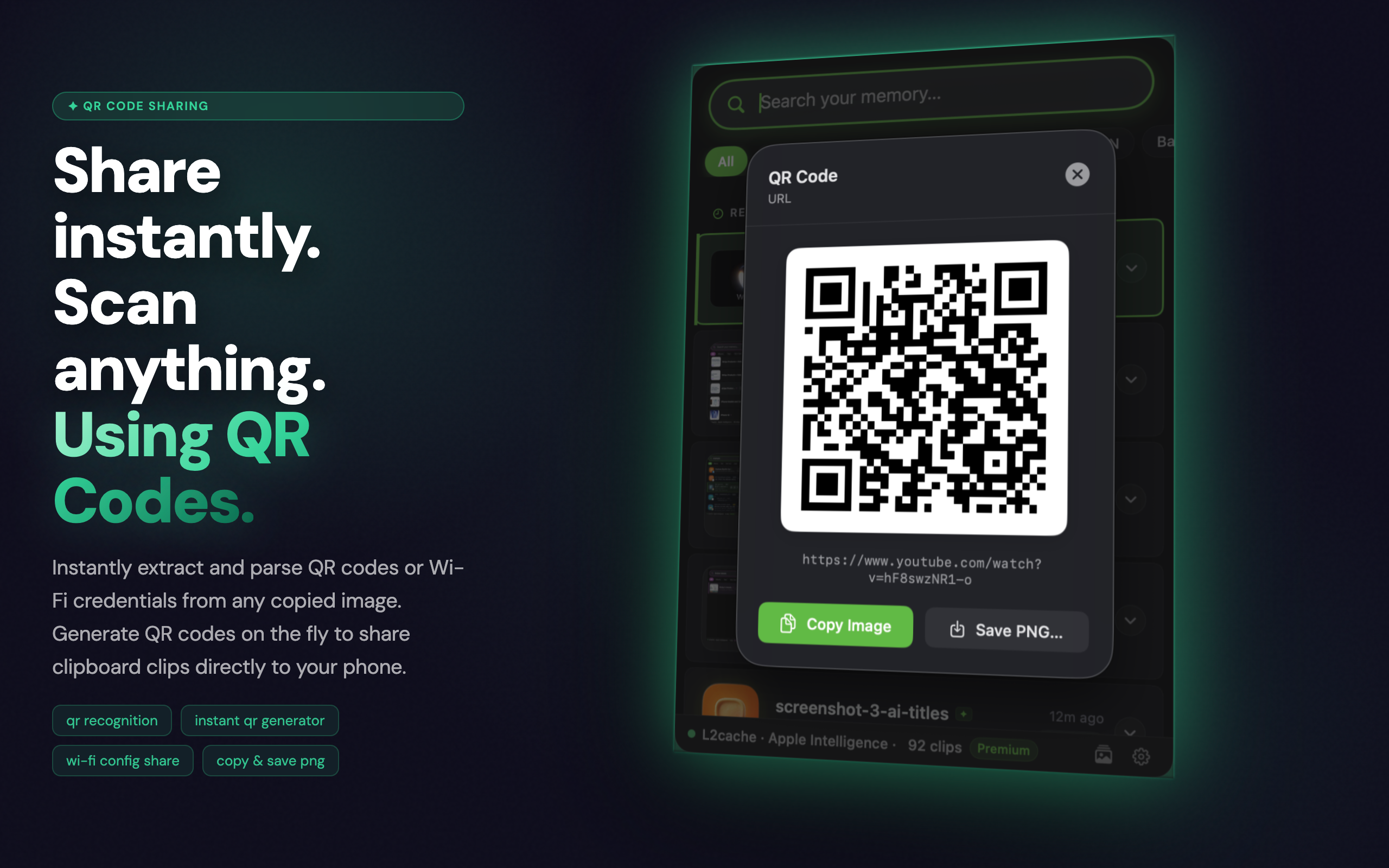
QR code generation
Copy any URL, text, or contact detail and generate a QR code in one click. Share instantly without any extra app.
🖼
Screenshot renaming
Screenshots are automatically renamed using AI — no more "Screenshot 2025-06-18 at 10.34.02". Find your screenshots by what's actually in them.

Simple, honest pricing

No subscription. No upsell. Free for a limited time.

Free
for a limited time · all future updates included
Download L2Cache

macOS 13 Ventura or later · Free for a limited time